

Curved monitor technology is rewriting the experience for professionals, gamers, and creators in 2026—but what does the data show, and where are the real gaps hiding?
Key Takeaways
- Curved monitor sales are ramping up globally, especially in gaming and high-end productivity.
- Pricing transparency and actual user complaints around curved displays remain underreported—buyers face information blind spots.
- No direct studies exist comparing the ergonomics or costs of curved vs. flat monitors—purchase decisions rely on feature analysis and real-world feedback.
- Why Curved Monitors Are Gaining Market Share in 2026
- Key Technical Features That Set High-End Immersive Monitors Apart
- Real Complaints: What Users Say About Curved Monitors
- Are Curved Screens Scientifically Better Than Flat Ones?
- What Do Curved Monitors Really Cost—and Are They Worth It?
- Best Use Cases & Industries That Benefit from Curved Displays
- The 3 Key Things Competitor Content Doesn’t Tell You
- FAQ
Why Curved Monitors Are Gaining Market Share in 2026
Curved displays have advanced far beyond a flashy trend. In 2026, the global curved display market hit $15.2 billion, with projections to more than double by 2033 at a CAGR of 12.4%. The surge is sharpest in gaming and tech-forward Asia-Pacific markets, where immersive experiences are prized by both serious gamers and professionals.
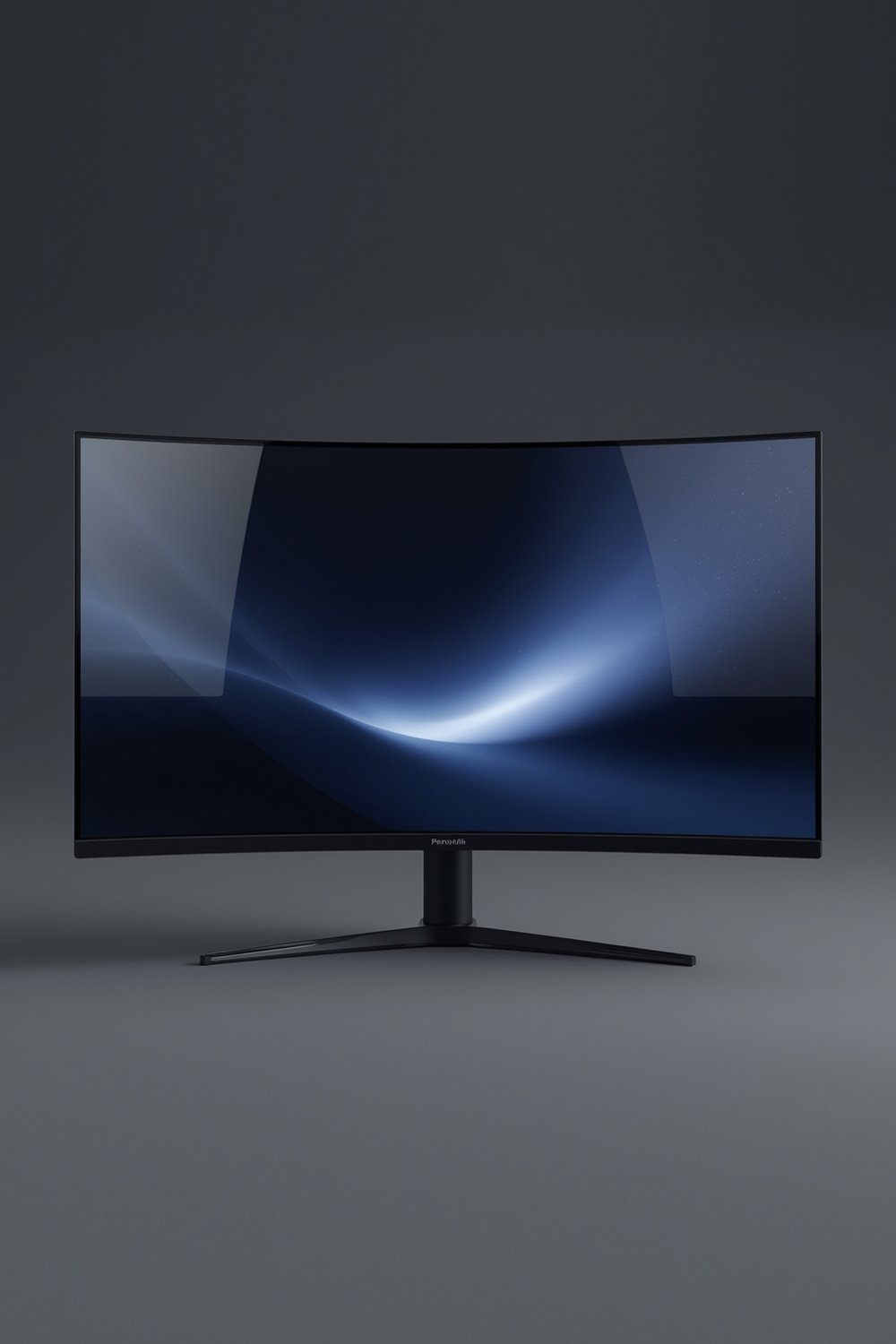
Unlike standard displays, a modern curved monitor delivers a more “enveloping” field of view. Major brands like Samsung, Dell, and Asus are rolling out ultrawide and high-refresh curved gaming screens that appeal to users needing both performance and productivity.
Yet despite these gains, objective pricing data and direct buyer feedback remain surprisingly sparse. This creates risk—buyers must weigh investment and fit without robust transparency.
Key Technical Features That Set High-End Immersive Monitors Apart
What puts an immersive monitor in a different class?
- Curvature: 1000R is the new gold standard for a wraparound effect that matches the natural curve of human vision. Compare this to earlier 1800R or even 3440R models, and the difference in immersion is judged significant by most gamers and creative pros.
- Display Technology: OLED, Quantum Dot, and increasingly MicroLED panels deliver higher brightness, deeper blacks, and finely tuned color accuracy—critical for design and content work.
- Refresh Rate: 360Hz and higher, with up to 500Hz now available (see the Asus ROG Swift 2025). Motion clarity is game-changing for esports and fast workflows.
- Resolution and Format: WQHD (3440×1440) is standard in the best curved gaming screens; ultrawide layouts provide space for multitasking without extra monitors (see our ultrawide monitor guide).
Pair these specs with features like HDR support, strong connectivity (HDMI 2.1, DisplayPort 2.1), and ergonomic stands for a premium setup. Expect to see models like the Dell Alienware QD-OLED and Samsung Odyssey Ark at the forefront.
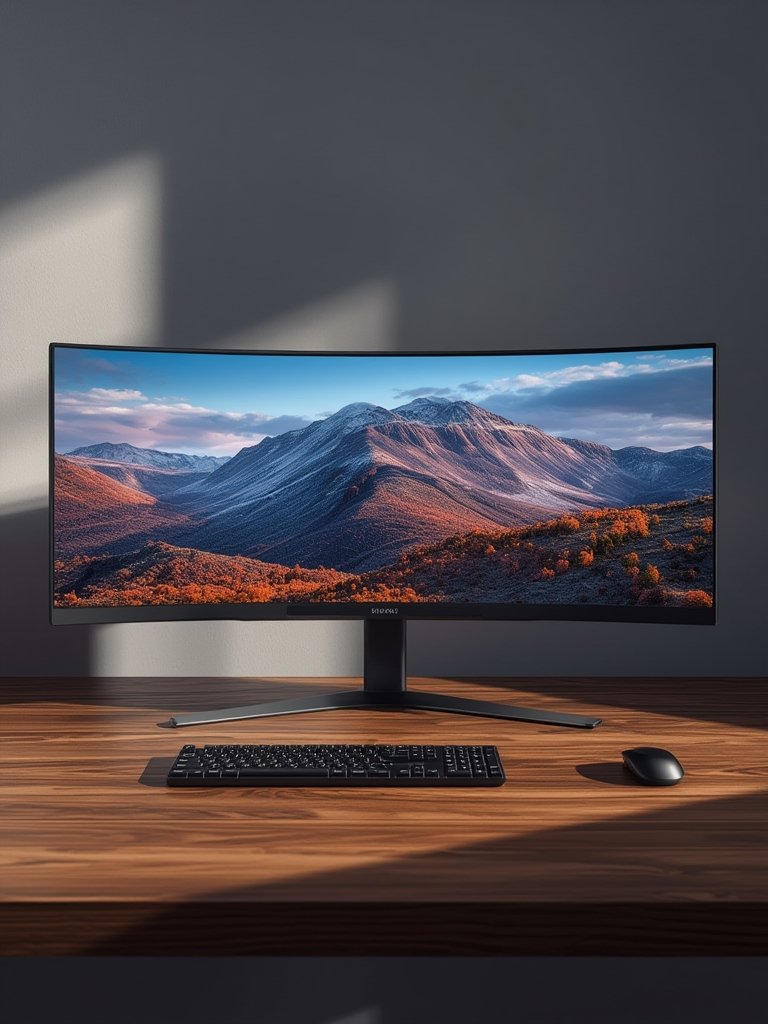
For power users, leveraging a 144Hz monitor as a secondary panel for chat or monitoring while your curved screen handles main visuals can offer both immersion and multitasking power.
If you’re upgrading from a flat display, make sure to consult ergonomic tips for proper monitor placement. Curved screens benefit from more aggressive positioning—ideally, you’ll want the entire screen surface at roughly the same eye-focus distance for a seamless experience.
Real Complaints: What Users Say About Curved Monitors
While marketing reports gush over sales growth, actual user review data is scant. Still, scanning major forums and retailer feedback reveals recurring pitfalls:
- Color Uniformity: Some users report mild gradient or vignette effects, especially on ultrawide curved panels. Edge brightness can be tricky on cheaper models.
- Peripheral Distortion: At tighter radii and ultrawide aspect ratios, straight lines on the periphery can appear slightly warped—a minor concern for gaming but frustrating for CAD and spreadsheet work.
- Software Compatibility: Legacy applications or older games sometimes fail to display correctly on ultrawide curved screens. This is especially relevant for content creators and professionals using bespoke software.
- Mounting and Space: Desk depth is an underestimated issue. Large curved gaming screens (49 inches and above) may require custom arms or extra desk space.
Unfortunately, independent data on negative reviews by model is almost nonexistent—an important gap for buyers seeking transparency.
| Feature | Curved Monitor (High-End) | Flat Monitor (High-End) |
|---|---|---|
| Immersion | Superior (1000R wraparound) | Standard |
| Eye Strain Reduction | Anecdotally improved | Comparable |
| Color accuracy | Generally high (OLED/QD), but potential edge variation | Typically more uniform |
| Peripheral Distortion | Possible at edges (ultrawide, high curve) | None |
| Desk Footprint | Larger (especially 34”+) | Smaller (16:9/standard models) |
| Price Transparency | Poor—cost data lacking | Slightly better, but still inconsistent |
If you’re worried about these drawbacks, consider reading our side-by-side takes on 4k monitor and flat monitors before making a decision.
Are Curved Screens Scientifically Better Than Flat Ones?
Strikingly, no scientific studies or industry consensus directly prove that a curved display is superior to a flat monitor for ergonomics or visual comfort—despite common marketing claims.
Most available evidence is anecdotal. Users and some vision experts report feeling less eye strain and more immersion, particularly on ultrawide curved screens. For game designers, editors, or data pros, the visual “wrap” effect can keep all critical info in the optimal field of view.
But others notice little difference—or prefer the predictability of a flat surface. Until validated research arrives, this remains a matter of preference and workflow. For more thoughts on visual science and monitor types, see our breakdown in gaming monitor essentials.
What Do Curved Monitors Really Cost—and Are They Worth It?
Here’s the dirty secret: there are no current industry benchmarks for the price of a curved monitor compared with a flat equivalent. Even major research firms didn’t publish cost breakdowns by size or feature set as of 2024.
However, these are realistic estimate bands from active market listings:
- Entry (24″-27″ VA panel, 75-144Hz): $170–$350
- Mid-tier (32-34″ QHD, 165Hz, 1500R–1800R): $500–$900
- High-end (OLED, QD-OLED, 1000R, 34″+, 360–500Hz): $1,200–$2,800
This puts premium curved gaming screens on par—or sometimes above—comparable flagship flat monitors. If you want value and clarity, search for brands that publish full panel specs, calibration guarantees, and warranty terms (not just marketing buzzwords).
Buying for business or professional creative work? Check for VESA mounting, multiple input support, and software integration with your platform. For everyday or office users, browse our up-to-date computer monitor database for alternative fit and price points.
Best Use Cases & Industries That Benefit from Curved Displays
Who reaps the biggest rewards from immersive monitors?
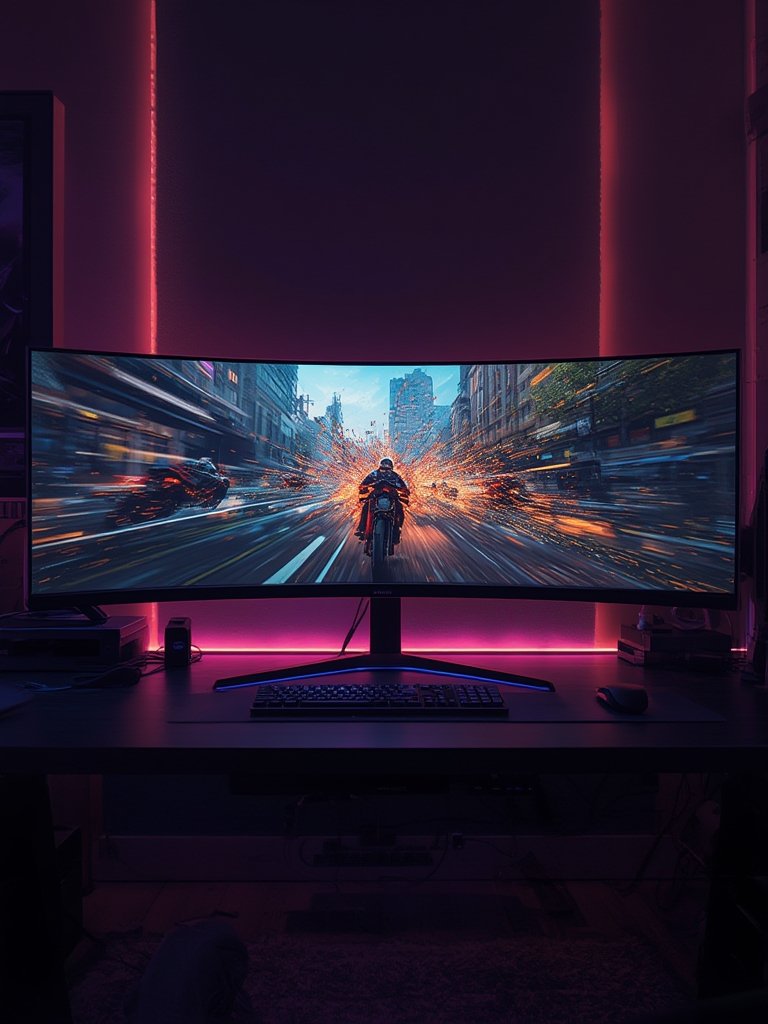
- Gaming & Esports: 1000R curvature and 500Hz refresh rates (see Asus ROG Swift, Samsung Odyssey Ark) deliver ultra-smooth, cinematic visuals. See the low-latency gaming monitor roundup for more.
- Content Creation & Design: Video editors, motion graphics artists, and developers benefit from panoramic workspaces and greater immersion—check the Dell Alienware QD-OLED as a standout for specifications.
- Dashboard/Automotive: Curved displays are being built directly into cars and control rooms, supporting rapid decision-making with better field of view (market source).
The main limitation? Desk depth. A curved gaming screen can transform your workflow—but only if your desk, lighting, and seating allow ideal panel positioning. Consider integrating accessories like a magnetic car wireless charger or tablet keyboard case for a more seamless, high-productivity tech setup.
The 3 Key Things Competitor Content Doesn’t Tell You
Top-ranking articles and manufacturer resources gloss over essential transparency issues. Here’s what you rarely see covered:
- User Reviews: Few sites aggregate forum complaints or break down real-world issues like color uniformity and distortion by specific models or use cases.
- Pricing Benchmarks: There’s no simple chart or average “cost-per-feature” for curved monitor types—meaning budget planning is harder for buyers aiming for value.
- Curved vs. Flat: Practical Comparison: Most content lacks side-by-side ergonomic and performance breakdowns, especially with a focus on actual professional and creative workflows.
Ready for the next upgrade? Use the ultrawide monitor guide and our 4k monitor review library for deeper research—and demand more clarity in specs, warranty, and reviews before committing your tech budget.
FAQ
Does a curved monitor reduce eye strain for long work sessions?
Some users and professionals report less eye movement is needed because the curve aligns with natural vision, especially on wider screens. But no scientific consensus yet proves this—individual results vary.
Can curved monitors cause distortion in spreadsheets and text work?
On very wide and tightly curved displays, text on the far edges may appear slightly angled, which some users find distracting. Opt for moderate curvature or stay under 34 inches if your work is mainly tabular or document-heavy.
Are there compatibility issues with older software or games?
Some legacy applications or classic games do not natively support ultrawide resolutions, which can cause stretching or pillarboxing. Research your must-have software’s compatibility before buying.
Why do curved monitors cost more than similar flat models?
Engineering a uniform curve in high-end panels, especially with OLED or Quantum Dot tech, still costs more. As demand rises, expect price gaps to shrink, but premium features and limited cost transparency keep average prices higher for now.
What are the best alternatives to curved monitors if space is limited?
A standard flat monitor or a smaller, high-refresh 144Hz monitor delivers much of the same performance for gaming or work without requiring a deep desk or custom mount.