

Gaming monitor choice can make or break your PC experience, especially in 2026 where 144Hz and 165Hz models crowd the market for both competitive and casual gamers. If you want smooth gameplay without wasting money, understanding the real-world performance—and value—differences is crucial. This guide uses the latest research to help you upgrade smartly without overpaying.
Key Takeaways
- 144Hz and 165Hz gaming monitors dominate the value segment in 2026, together making up over 50% of gaming monitor sales.
- The jump from 144Hz to 165Hz offers a small but real gain in motion clarity and responsiveness—best suited for competitive players.
- Monitor features like low latency tech and adaptive sync matter more for smooth esports play than chasing the highest refresh rate alone.
- Why Refresh Rate Still Matters in 2026
- 144Hz vs 165Hz Gaming Monitors — Is the Difference Noticeable?
- Features That Matter Most for Competitive Gaming
- What Pro Gamers Actually Look for in a Monitor
- Current Price Trends and Best-Value Options in 2026
- Where Most Buying Guides Miss the Mark
- Final Recommendation: Should You Buy a 144Hz or 165Hz Monitor?
- FAQ
Why Refresh Rate Still Matters in 2026
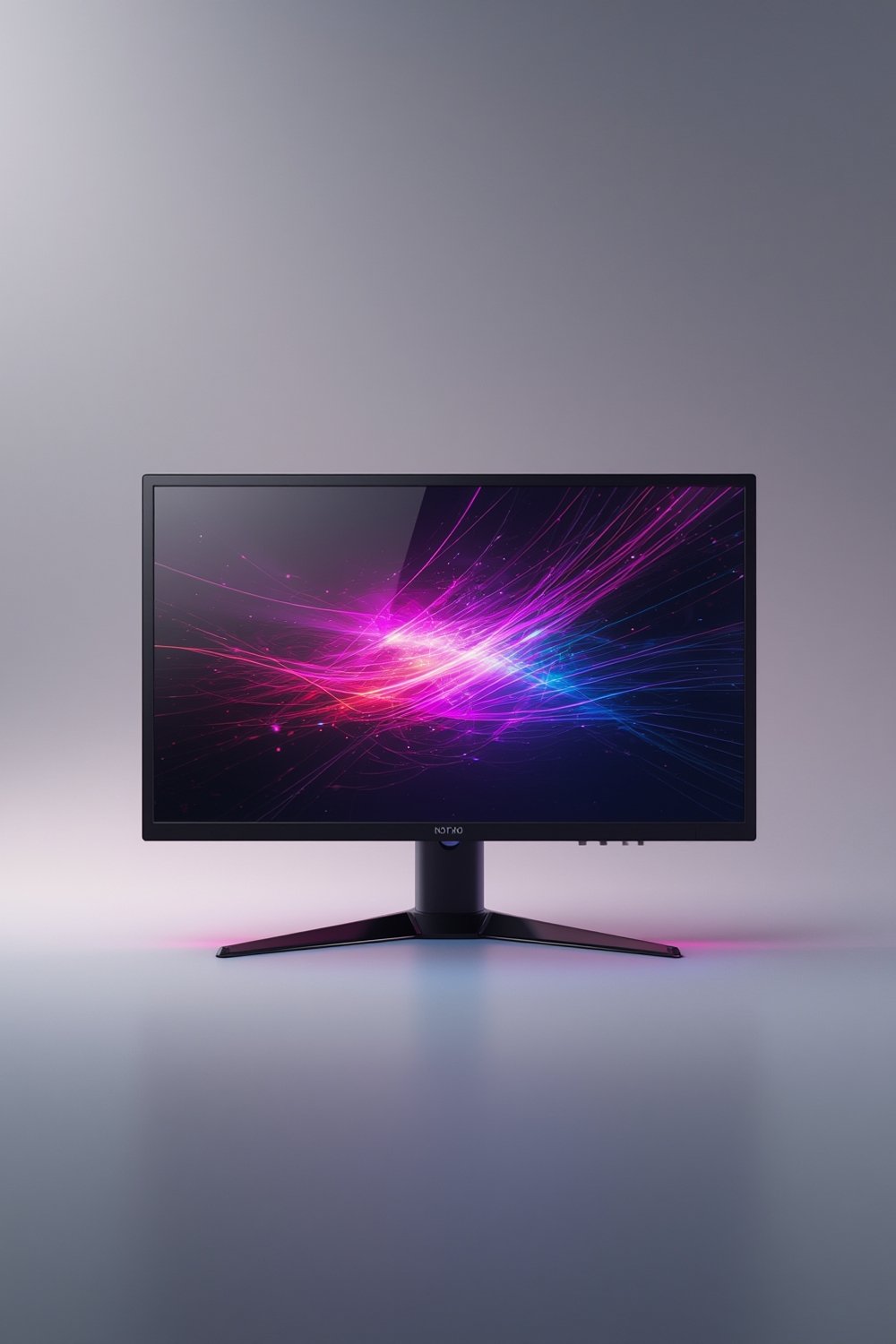
For PC gamers, refresh rate isn’t just a number—it’s the heartbeat of fluid action. A monitor’s refresh rate defines how often it updates the image per second. A 144Hz monitor redraws 144 times per second, while a 165Hz monitor refreshes even faster. The difference can mean smoother aiming, easier target tracking, and fewer ghosting artifacts in competitive titles like FPS and MOBA games. Esports demand has made this segment explode—over 100 million 144Hz+ units ship yearly among the top five companies, accounting for more than 60% of the global gaming monitor market (source).
Even for casual players, stepping up to higher refresh rates makes everyday gaming and even desktop navigation feel snappier and less tiring. Physiologically, studies confirm higher rates reduce visual strain, help track fast movement, and minimally cut reaction time. These small advantages are amplified in ranked play or tournaments, where every millisecond can decide a round.
It’s not surprising that 144Hz+ is now baseline for most new gaming PCs, replacing old 60Hz and 75Hz models. Check out our PC monitor roundup if you need a primer on general display technologies.
144Hz vs 165Hz Gaming Monitors — Is the Difference Noticeable?
Here’s the million-dollar question for budget-focused upgraders: Does paying extra for a 144Hz monitor over a 60Hz one still matter? Yes. But should you now skip 144Hz for a 165Hz monitor? The answer depends on your use case and expectations.
According to 2024 sales data, 144Hz models made up 34% of all gaming monitor sales, while 165Hz models accounted for 21%—showing clear demand for both (source). In side-by-side tests, the leap from 60Hz to 144Hz is night and day. The step from 144Hz to 165Hz is more subtle, but still present—especially noticeable to those sensitive to motion or who play very fast-paced shooters.
If you play mainly single-player RPGs or slower-paced games, a 144Hz monitor will be more than enough—no need to overspend. But for those who want their setup as smooth as possible for the price, 165Hz does have a real-world (if small) edge. For more details on high-res options, our 4k monitor guide is a solid read.
Features That Matter Most for Competitive Gaming
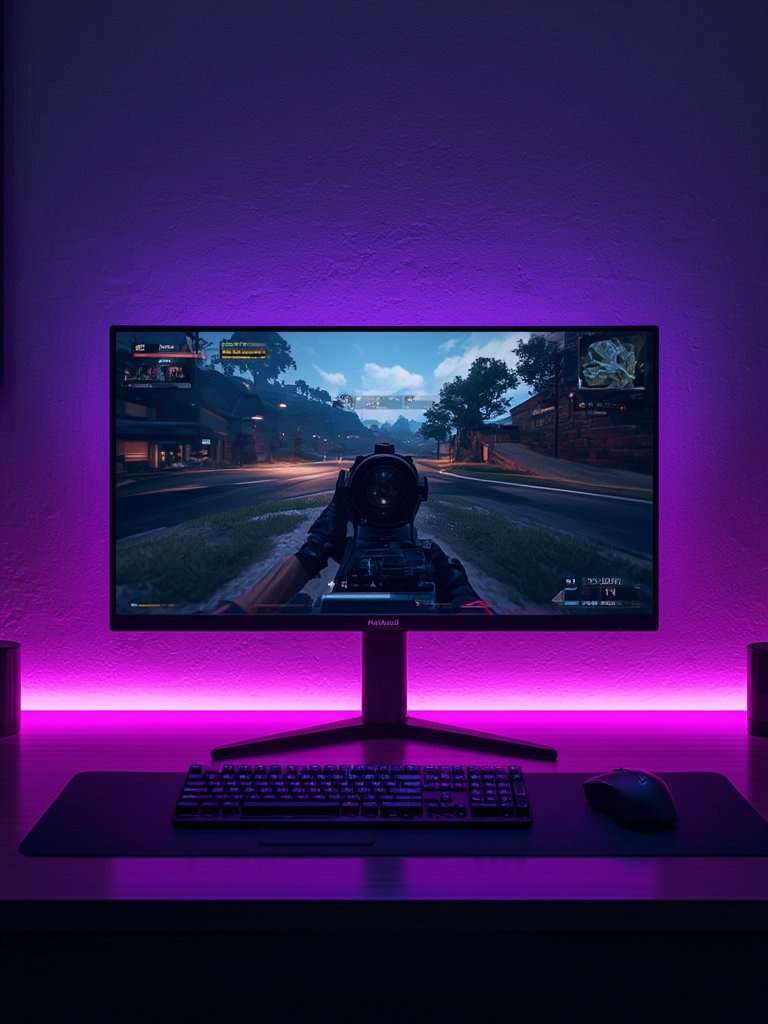
Refresh rate isn’t the only spec you should weigh. For esports-level performance, focus on:
- Refresh rate. Competitive monitors start at 144Hz, with 165Hz as the premium in budget gaming, and 240Hz–360Hz for top-tier models (source).
- Response time. Look for 1ms or lower. Sub-1ms is ideal to minimize motion blur and ghosting. Some low-cost models fudge this spec; real-world tests (not just marketing claims) matter.
- Input lag & adaptive sync. G-Sync or FreeSync reduce screen tearing and keep latency low. They’re especially valuable if your frame rate fluctuates, making gameplay feel smoother at both 144Hz and 165Hz.
- Low latency display tech. Features like rapid backlight strobing or improved panel types (IPS, TN, VA, fast OLED) can make a real difference in how “snappy” a display feels.
Top-tier esports monitors push 240Hz–360Hz with sub-1ms times and advanced low latency display enhancements. Standard 144Hz–165Hz monitors often lack these extras but still outperform old 60Hz models by a mile. If you want to multitask, a ultrawide monitor could add more screen real estate, though the best refresh rates tend to be in 16:9 panels.
What Pro Gamers Actually Look for in a Monitor
No matter the brand, professional esports players care about three things: refresh rate, extremely low latency, and reliable panel tech. Even without direct pro testimonials, sales data makes it clear the esports market leans toward high refresh rates (144Hz, 165Hz, 240Hz), sub-1ms response times, and powerful input lag reduction features. Notably, 144Hz–240Hz adaptive sync monitors drove a 28% sales jump among competitive gamers in 2024 (source).
A low latency display is a must for top-tier play. Even if you aren’t gunning for pro leagues, investing in a monitor that cuts lag and keeps up with your reflexes pays off in both ranked and casual competitive lobbies.
On a realistic budget? Focus on displays with adaptive sync and true 1ms response over paying too much for absolute peak refresh rates. Newer screen tech like Mini-LED and OLED has recently started appearing in premium models, offering faster response and richer colors, but standard monitors still deliver solid value for most players. For an everyday work and gaming option, check our computer monitor guide as well.
Current Price Trends and Best-Value Options in 2026
The cost of gaming monitors is dropping in 2026, making both 144Hz and 165Hz more accessible than ever before. There are no precise numbers published for entry-level or midrange current retail prices, but the downward trend is clear (source). Samsung remains the global revenue leader, holding 21.0% of the market, thanks to a wide range of affordable and premium monitors (source).
For savvy shoppers, comparing price-performance is key: 144Hz monitors deliver the greatest value for most, while 165Hz gives a slight competitive edge for a moderate extra investment. Watch for reputable brands offering adaptive sync as a default feature even on entry-level displays.
We recommend checking out specialized guides for related segments, such as portable fast charge power banks to keep your setup powered, or our in-car charger review for mobile gamers on-the-go.
Where Most Buying Guides Miss the Mark
Most “top gaming monitor” lists skip some crucial angles for real gamers:
- Price-performance ratio between 144Hz/165Hz: Not enough guidance on exactly when the small bump in Hz justifies extra cost, or when money is better spent on panel quality/features.
- Adaptive sync in competitive play: Too many guides gloss over G-Sync/FreeSync, even though they have outsized impact on reducing screen tearing and input lag—especially important for esports setups.
- Future-proofing versus 240Hz+ alternatives: The real question becomes, should you buy now or save up for emerging technologies like 240Hz if you want to stay ahead? Sales of 144Hz–240Hz adaptive sync models jumped 28% in the competitive scene in 2024 because they strike a balance (source).
Emerging technologies like Mini-LED and OLED aren’t always covered for their response time benefits. And few guides level with shoppers about when a low latency display matters more than an incremental refresh rate bump. If you want a simple rundown of the basics, our gaming display list breaks down key features for first-timers.
| Feature | 144Hz Monitor | 165Hz Monitor | 240Hz+ Esports Monitor |
|---|---|---|---|
| Refresh Rate | 144Hz | 165Hz | 240Hz–360Hz |
| Response Time | ~1ms | ~1ms | Sub-1ms |
| Adaptive Sync | Often (Freesync/G-Sync) | Standard in new models | Advanced G-Sync/Freesync/Premium |
| Input Lag | Low | Very low | Ultra-low |
| Panel Tech | IPS/TN/VA | Fast IPS/TN | Fast IPS/Mini-LED/OLED |
| Price | Lowest | Mid | High/Premium |
| Best For | Budget/casual | Competitive on a budget | Pro/Esports |
Final Recommendation: Should You Buy a 144Hz or 165Hz Monitor?
If you’re looking for the best value, a 144Hz gaming monitor is more than enough for almost all gamers and competitive scenarios. The 165Hz monitor offers a touch more motion clarity and responsiveness, which truly benefits the competitive crowd—those who want every slight edge and a bit more future-proofing. According to research, standard 144Hz models guarantee smooth gameplay while 165Hz helps you push just a bit further when milliseconds count (source).
For budget-conscious gamers or those who play a mix of genres, 144Hz is the sweet spot. If you compete in FPS, MOBAs, or esports and want an edge, go for 165Hz if the price difference is reasonable. Either is a massive leap over 60Hz or 75Hz. For higher resolution and productivity, see our picks for the best widescreen displays.
Thinking of upgrading? Don’t wait too long—accessibility is only increasing as prices drop and new models appear. Choose a monitor that fits your skill level, preferred games, and actual budget. Your eyes (and your K/D ratio) will thank you. Ready to shop? Dive into our detailed monitors guide for a ranking based on value, features, and real user experiences. No-nonsense advice, just what you need to land the right gaming monitor this year.
FAQ
Is 165Hz enough for competitive gaming?
Yes, 165Hz is more than enough for most competitive games. For esports or ultra-fast titles, 165Hz gives a tiny advantage over 144Hz, but going higher (like 240Hz) may only be worth it for professional play.
Can my graphics card run games at 165Hz?
Most modern midrange and high-end GPUs can hit 144Hz or run games at 165Hz in popular esports and competitive titles. For AAA or 4K games, lower settings may be needed to reach these refresh rates.
Does G-Sync or FreeSync really matter?
Absolutely. G-Sync or FreeSync eliminates screen tearing and improves smoothness, especially when your frame rate can’t match the monitor’s max refresh. It’s a must for competitive and casual gamers alike.
Are there big differences in input lag or motion blur between 144Hz and 165Hz?
The difference is subtle but real—165Hz offers slightly smoother motion and marginally lower input lag. However, both are excellent upgrades from older 60Hz monitors.
Should I wait for a 240Hz monitor to drop in price?
If you’re extremely competitive, 240Hz is worth considering—but for most, 144Hz or 165Hz delivers 95% of the benefit at a much lower price. Only wait if you absolutely want bleeding-edge performance.