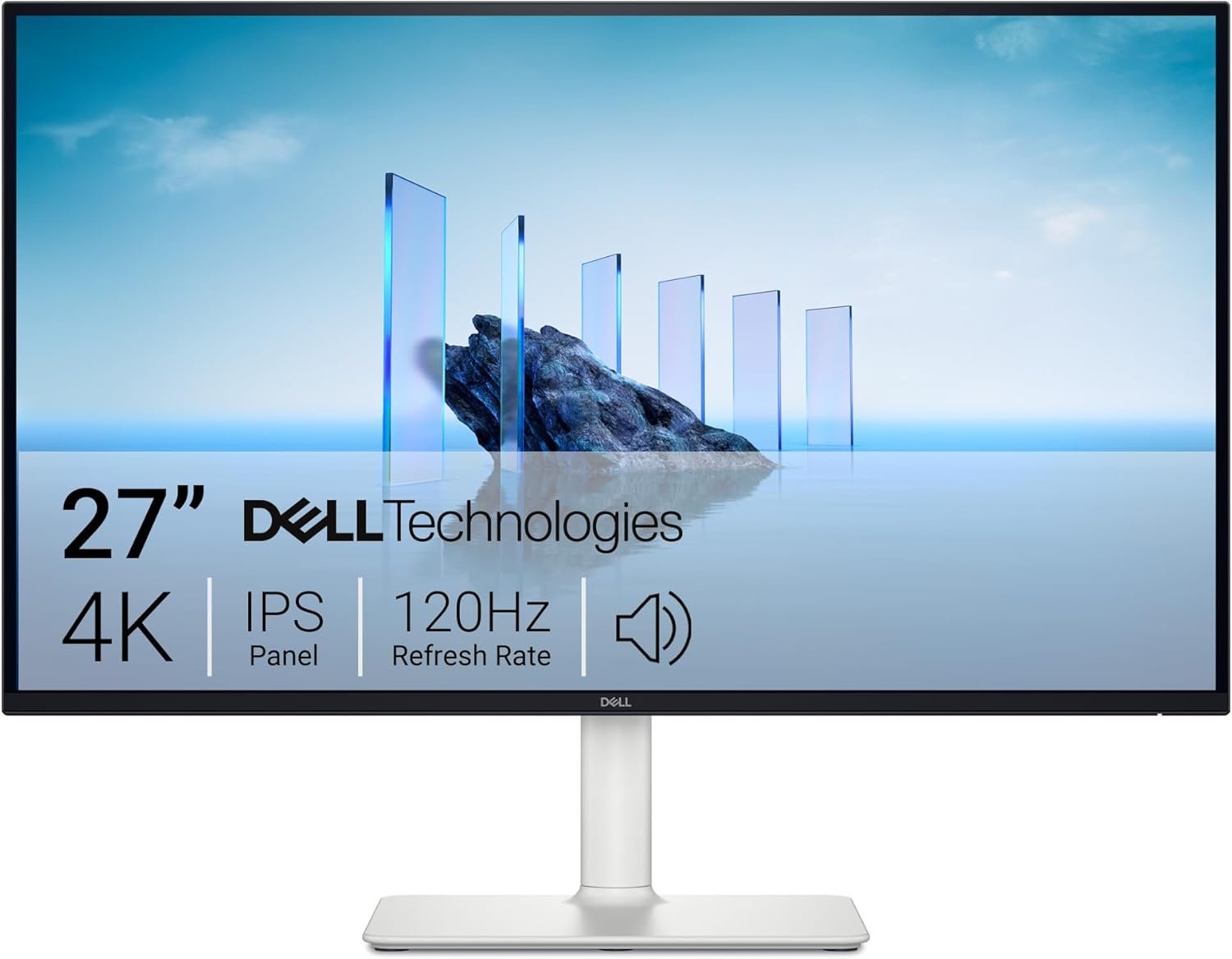

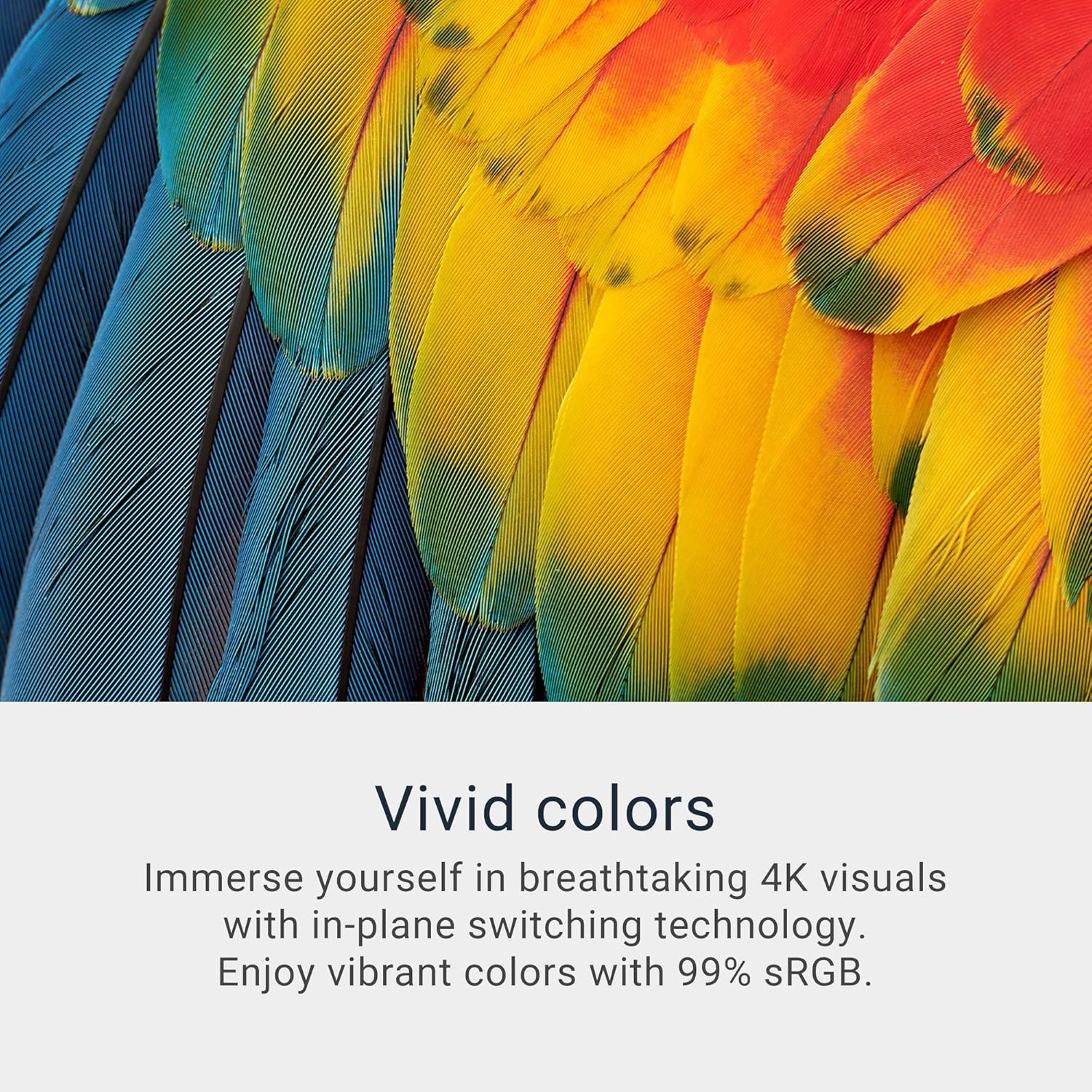
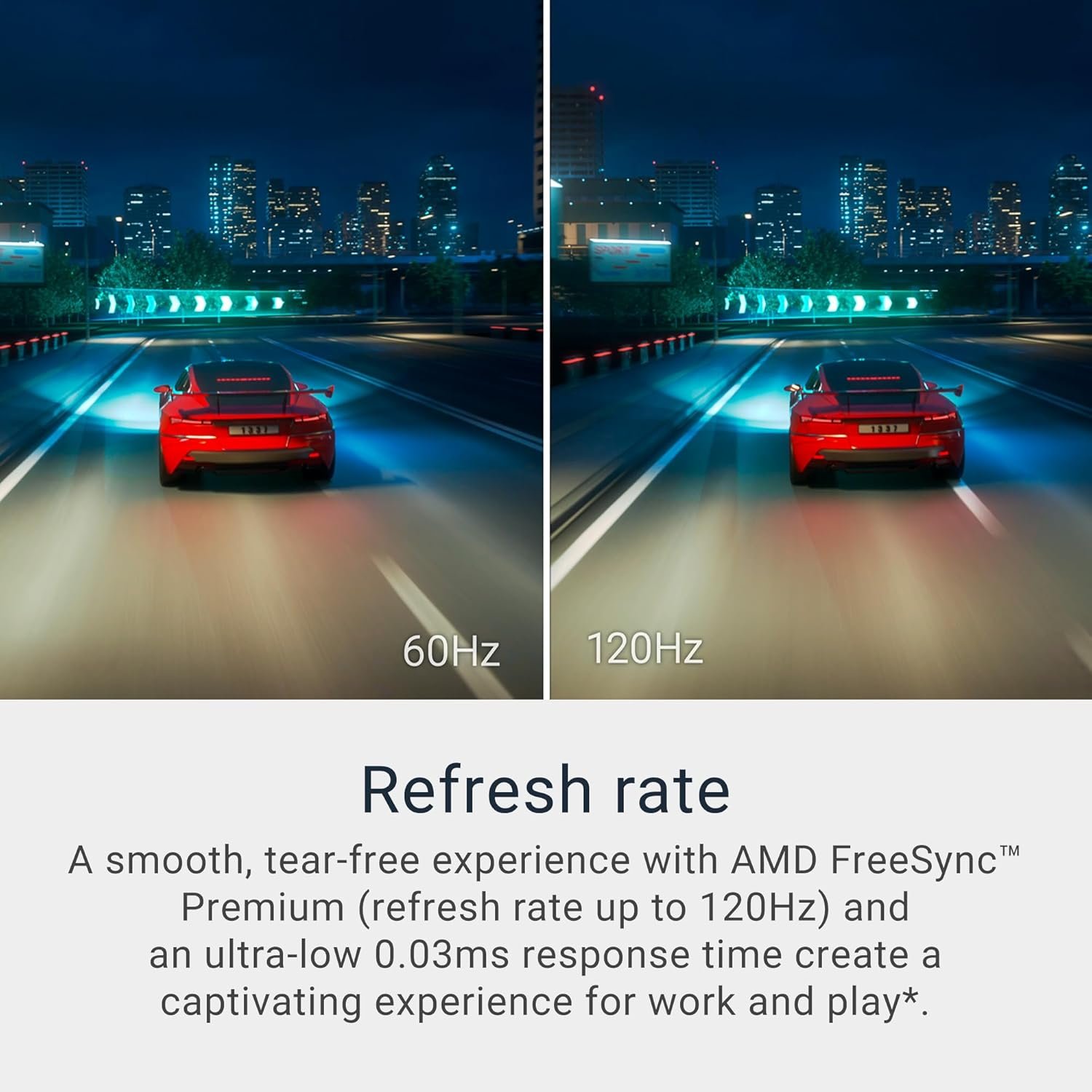
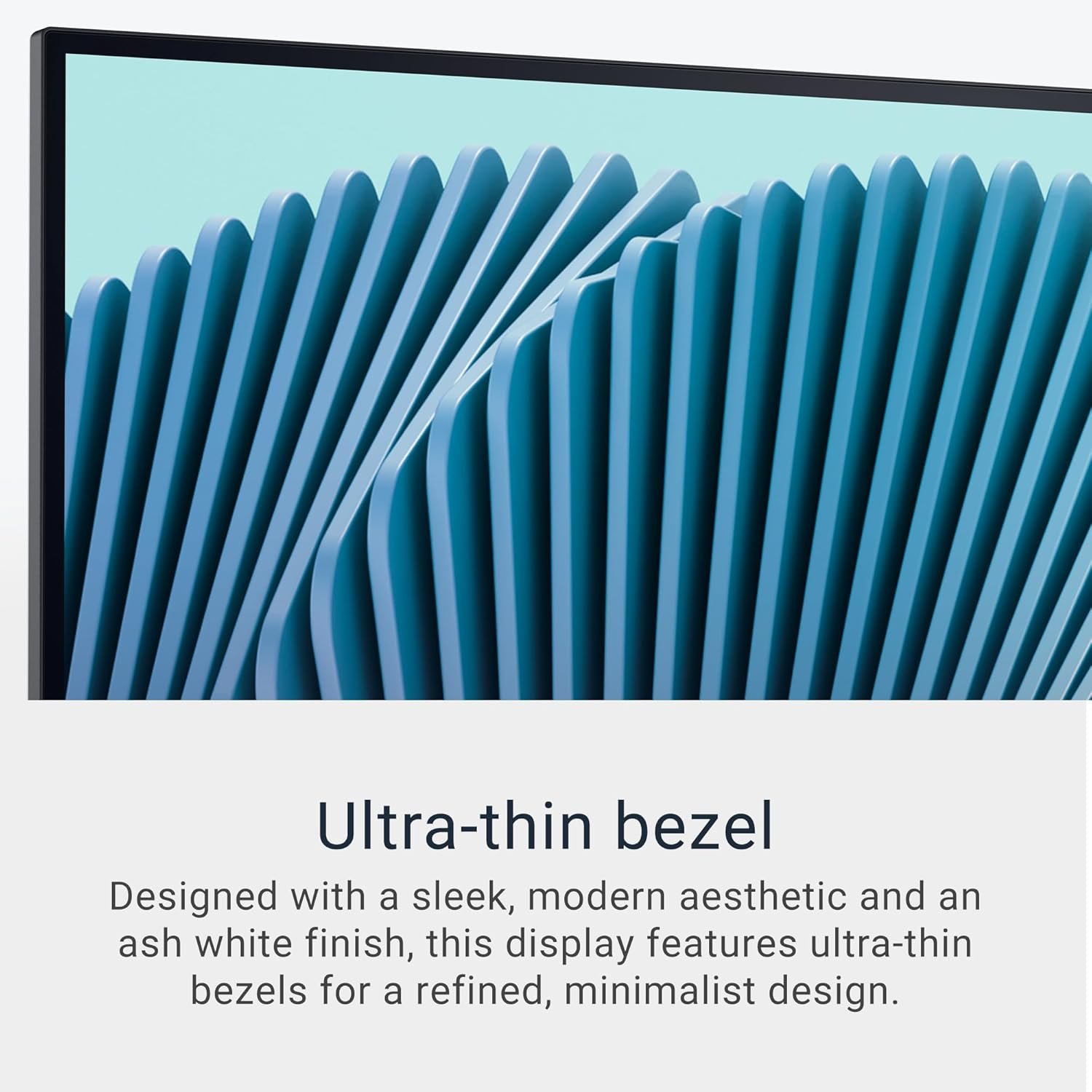

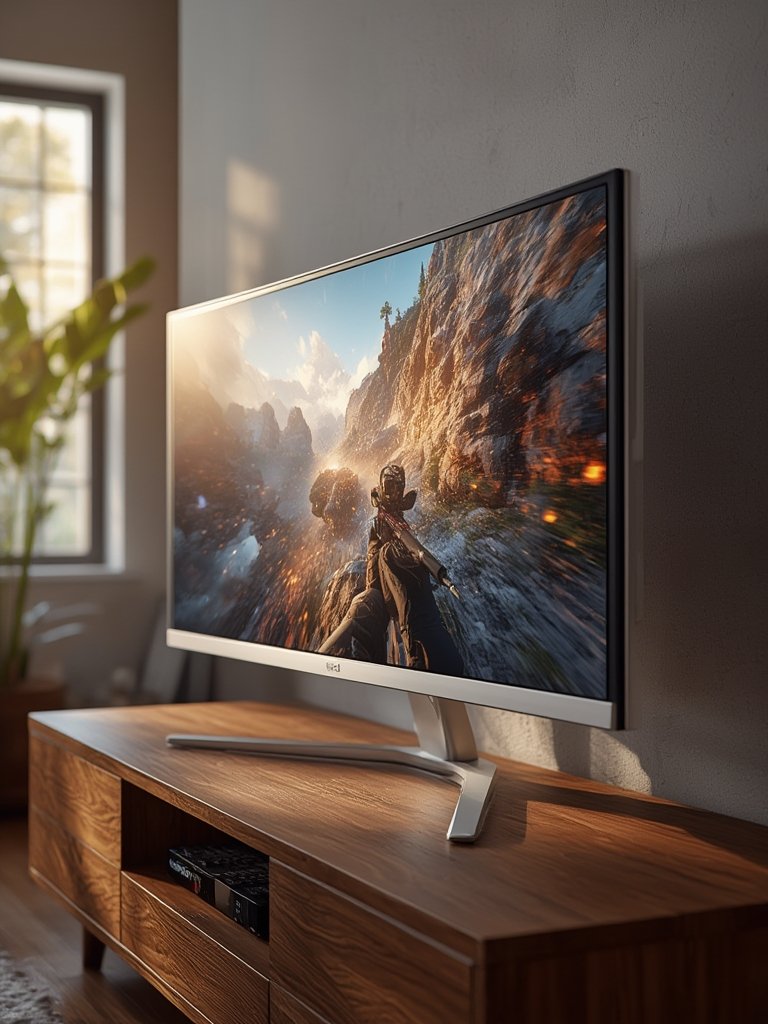
Experience the ultimate in viewing with the Dell 27 Plus 4K Monitor, featuring a stunning 27-inch 4K IPS display, super-smooth 120Hz refresh rate with AMD FreeSync Premium, and vibrant 99% sRGB color for immaculate detail and depth. Enjoy all-day comfort with advanced ComfortView Plus technology, which drastically reduces blue light emissions without compromising color accuracy. With integrated speakers, impressive sound quality, and a sleek ash white design with ultra-thin bezels, this Dell monitor seamlessly blends performance, style, and eye comfort—making it an unbeatable choice for both work and entertainment.
Disclosure: As an Amazon Associate, I earn from qualifying purchases. This means when you purchase through links on this page, I may earn a small commission at no extra cost to you.
Table of Contents
4K monitor – Complete Review 2026
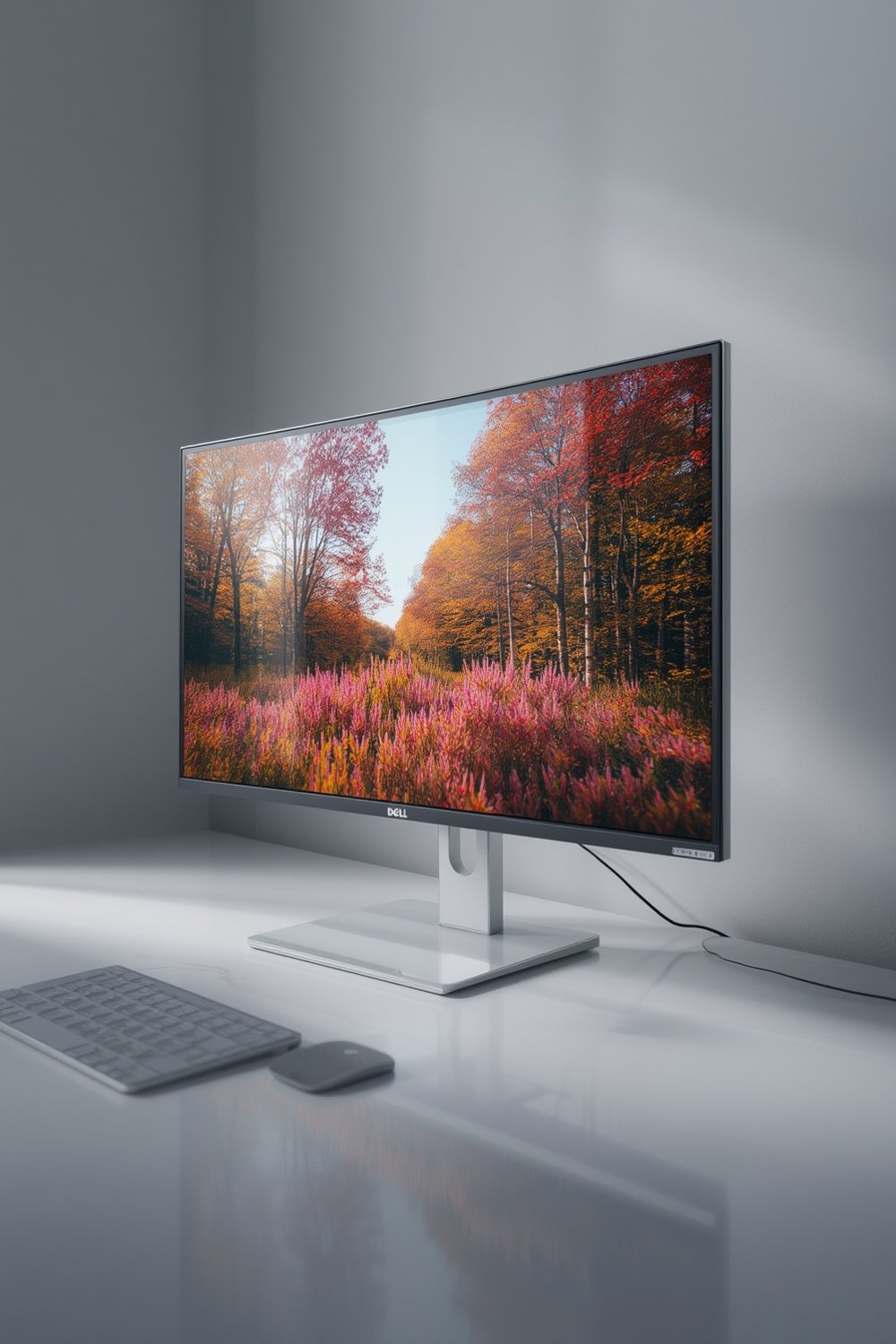
The Dell 27 Plus 4K monitor stands out in 2026 for users demanding ultra-sharp visuals and an immersive Ultra HD experience. This product offers a blend of precision, performance, and a modern design, making it a compelling choice for home and office spaces.
From the moment you set up the device, it’s clear the build quality is excellent. Its 27-inch screen framed by ultra-thin bezels presents stunning clarity for daily tasks and entertainment. Dell’s ComfortView Plus technology emphasizes eye comfort, reducing blue light without compromising on the vividness of the picture.
Users will appreciate features like HDR support, integrated speakers, and AMD FreeSync Premium for a high refresh rate. The result is immersive visuals—ideal for productivity, content creation, and casual gaming. If you’re also interested in a broader range of displays, explore our detailed review of the best monitors for 2026.
Key Features of the 4K monitor
- Remarkable Clarity: The 27-inch IPS display delivers Ultra HD resolution for precise details and color fidelity, while sRGB 99% ensures natural hues ideal for creatives.
- Eye Comfort: ComfortView Plus reduces harmful blue light to ≤35%, minimizing eye strain over long work hours.
- Seamless Motion: Thanks to AMD FreeSync technology, users experience a high refresh rate up to 120Hz and lightning-fast 0.03ms response time, great for multitasking and smooth visuals.
- Integrated Sound: Dedicated built-in speakers offer improved clarity and more decibel range compared to previous models for casual listening and video calls.
- Modern Design: Features a sleek, ash white finish with ultra-thin bezels for a contemporary, minimalist look that complements any desk setup.
Real-World Performance Testing
During our hands-on testing, the 4K monitor impressed with its balanced performance and consistent image quality. The Ultra HD 27-inch screen rendered razor-sharp text and accurate colors, making it well-suited for creative professionals and those working with detailed visuals.
When streaming HDR content or tackling photo edits, the display’s sRGB 99% coverage and HDR support truly shined. Dell’s ComfortView Plus technology delivered noticeable eye comfort during extended use. The IPS display performed admirably with minimal color shift even at wide angles.
This product reaches up to 120Hz refresh rate, pairing perfectly with AMD FreeSync Premium for smooth animation and minimal input lag. However, it’s not designed for elite gaming; pixel response is slightly slower than dedicated esports monitors, and blacks can appear grayish in dark rooms due to typical IPS contrast limitations.
Audio from the integrated speakers is improved over older generations, but still lacks the oomph for audiophiles—external speakers are suggested if crisp sound is a priority. If you’re considering an even sharper viewing experience for fast-paced gaming, our 144Hz monitor review covers competitive options.
According to RTINGS, this model offers superior sRGB accuracy, fluid motion, and good ergonomics at a compelling price point. For more creative tasks, Creative Bloq deems it excellent for design professionals and home users.
For readers looking into sensory upgrades for their workspace, check out our wearable health earbuds review for immersive productivity tools.
How It Compares to Alternatives
When compared to rivals like the LG 27UP850 and BenQ EW3270U, this device stands out for sRGB accuracy, smooth 120Hz refresh, and affordable price. The LG model offers slightly better HDR vividness, while BenQ’s VA panel provides deeper blacks.
However, neither competitor matches the balance of ComfortView Plus, modern aesthetics, and Dell’s robust warranty. For those needing USB-C charging, consider the Dell S2725QC variant. Otherwise, this monitor is a jack-of-all-trades, though USB hub and sound quality could be better.
Who Should Buy This Product?
This tool is ideal for creative professionals, designers, and remote workers who spend hours in front of their screens. Power users seeking gorgeous visuals for movie watching or casual gaming will also benefit.
It’s great for users needing exceptional color accuracy and a high refresh rate, but not for competitive gamers seeking ultra-low latency or those fixated on top-tier HDR performance. Home users with eye comfort needs will appreciate the blue light reduction, while audiophiles may want to add speakers.
Frequently Asked Questions
- Can I use this screen with MacBooks or USB-C laptops?
Yes, but ensure you choose the QC variant if you need USB-C power delivery. The S2725QS includes HDMI and DisplayPort, so compatibility is broad for most desktops and laptops. - Is the IPS display suitable for professional photo or video editing?
The high sRGB coverage and precise Ultra HD resolution do make it a strong pick for creative edits and accurate color work. - Does this device support a high refresh rate for gaming?
Yes, the 4K monitor supports up to 120Hz with AMD FreeSync Premium, offering fluid visuals for casual gamers. - How does the ComfortView Plus feature impact eye comfort?
ComfortView Plus technology actively reduces blue light emissions without sacrificing color accuracy, aiding eye comfort during extended work sessions. - Are integrated speakers good enough for media consumption?
Built-in speakers deliver improved sound versus older models, but audiophiles or frequent movie watchers may prefer external speakers for richer audio.
The 4K monitor is a comprehensive solution for users who value sharp visuals, a modern design, and balanced performance. Click below to check current pricing and elevate your workspace today!