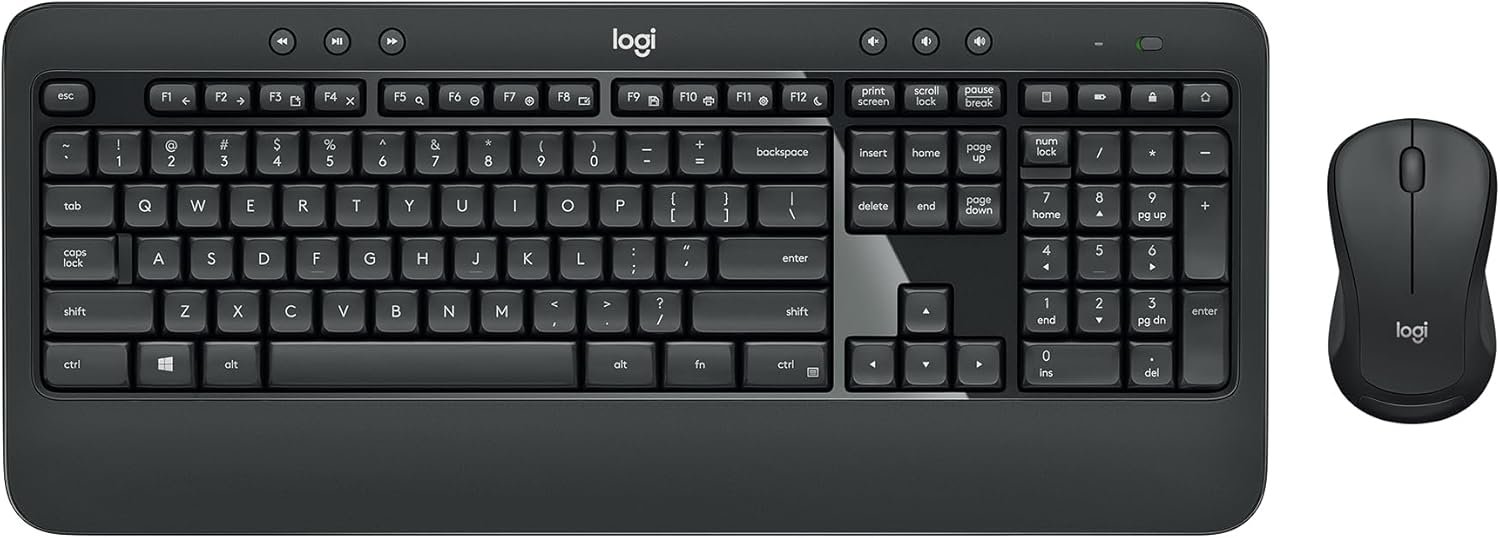
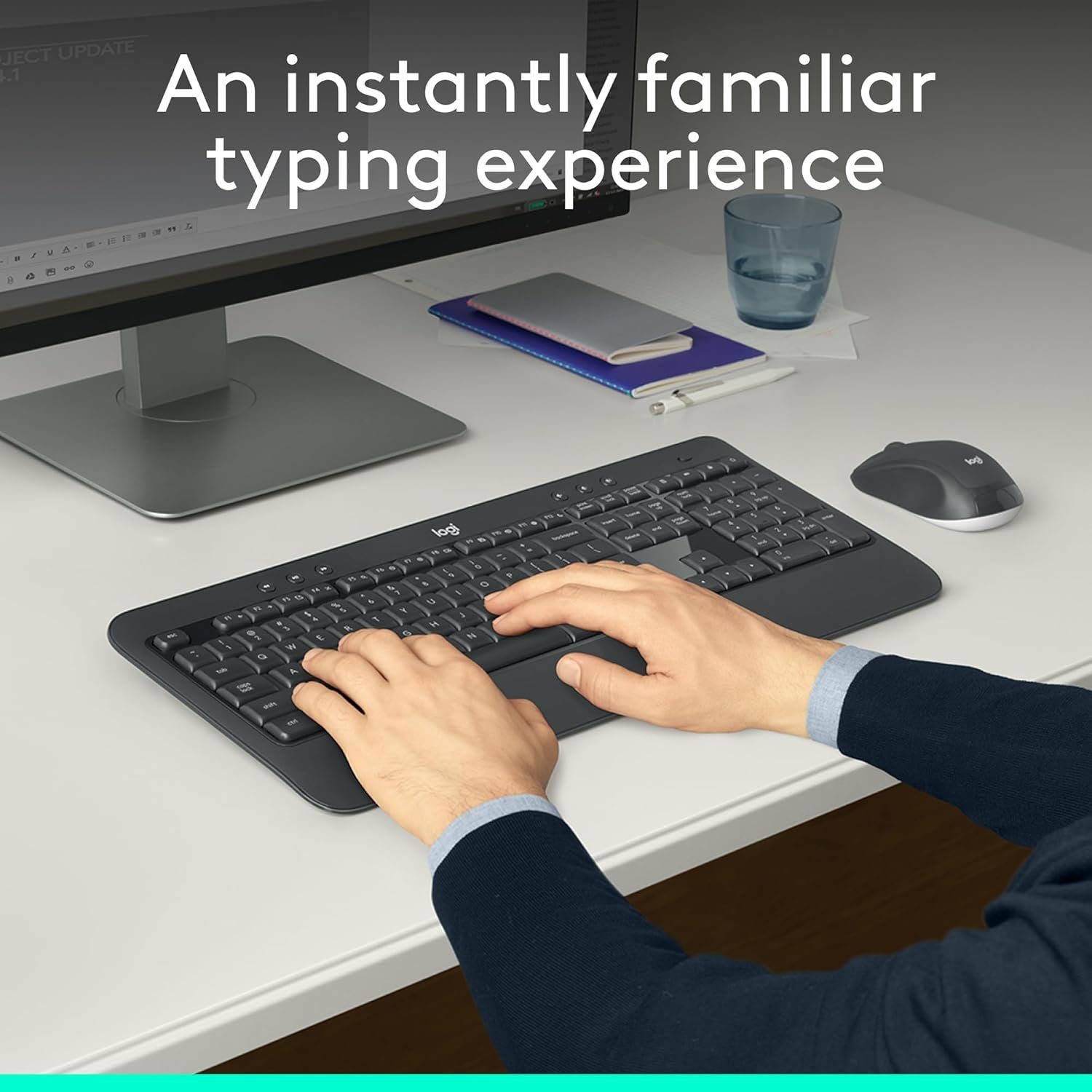

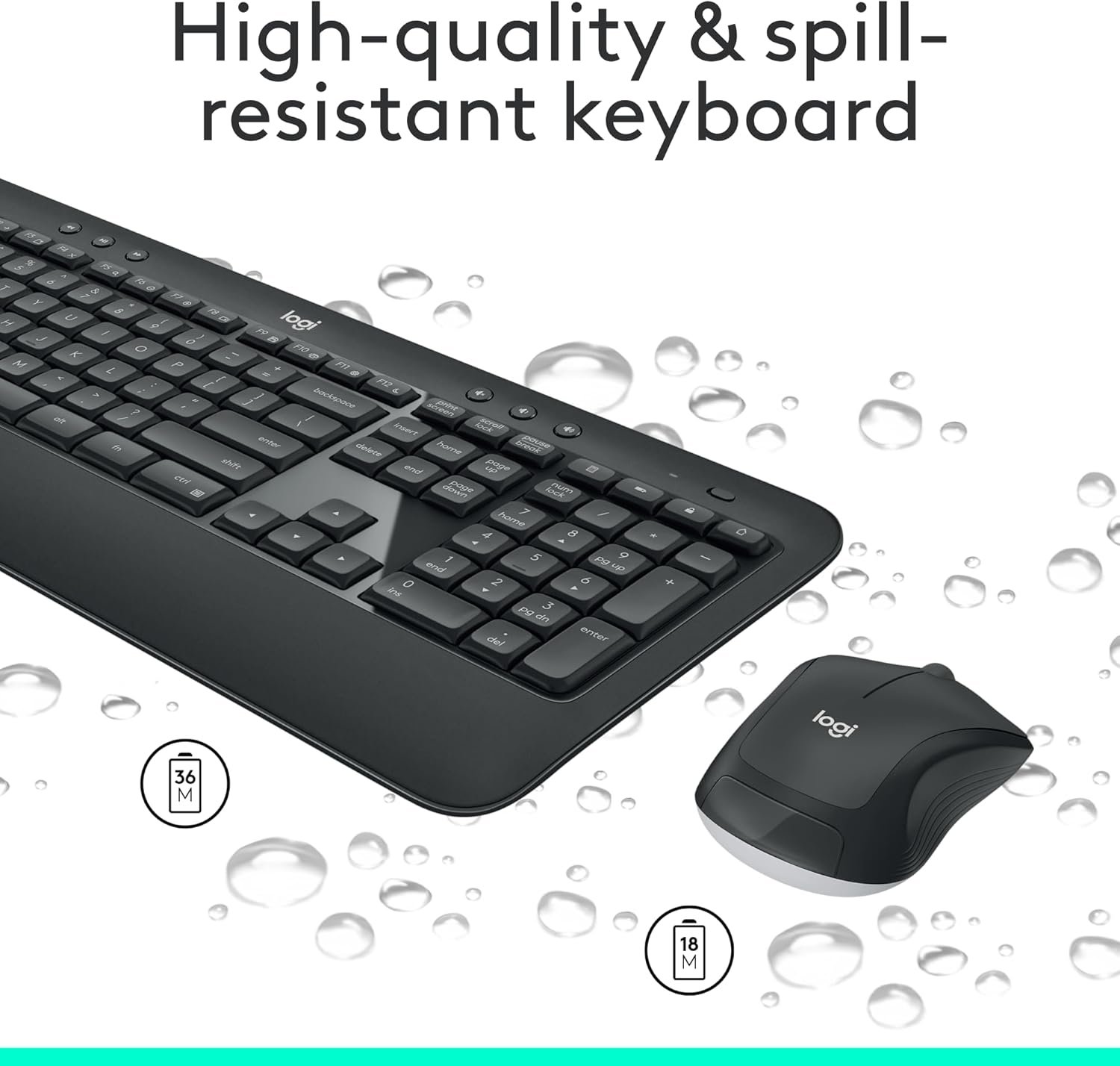
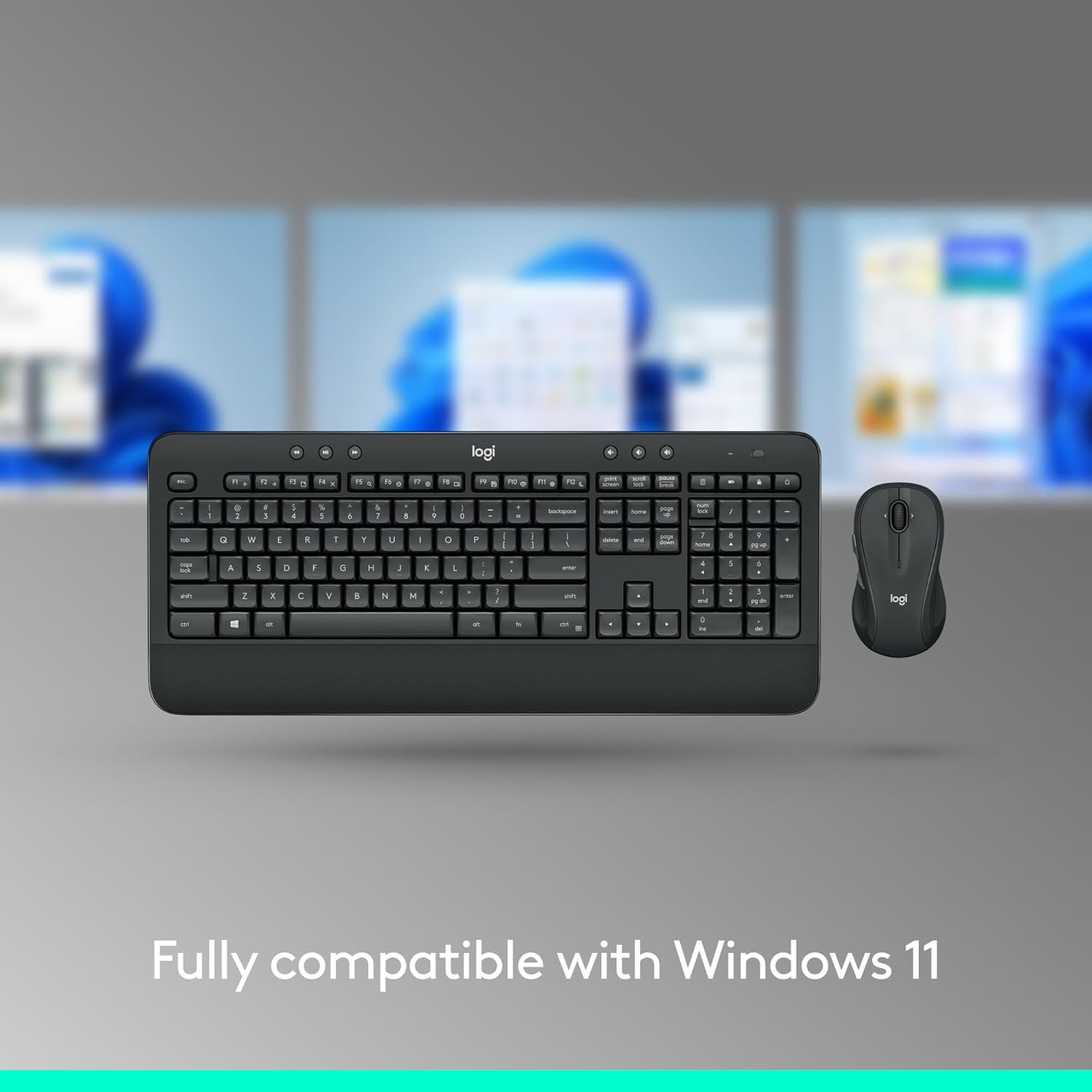

Experience premium comfort and productivity with the Logitech MK540 Advanced Wireless Keyboard and Mouse Combo. Perfect for Windows users, this full-size set offers precision typing, quiet keys, and a spill-resistant design, paired with an ergonomic, ambidextrous mouse. Enjoy hassle-free wireless freedom up to 33 ft, customizable hotkeys, and remarkable battery life—up to 3 years for the keyboard and 18 months for the mouse. Trusted for durability and reliability, the Logitech MK540 is the ideal upgrade for home or office.
Disclosure: As an Amazon Associate, I earn from qualifying purchases. This means when you purchase through links on this page, I may earn a small commission at no extra cost to you.
Table of Contents
Wireless Combo – Complete Review 2026
The Logitech MK540 Advanced wireless combo delivers plug-and-play convenience and an ergonomic keyboard for PC users seeking reliability and comfort. Designed to meet the needs of modern workspaces, this tool combines user-friendly features with robust wireless performance.
This product sets itself apart with a familiar layout, quiet keys, and an ambidextrous mouse, making it a smart upgrade for anyone frustrated by laggy connections or unreliable PC peripherals. Logitech’s approach emphasizes long-term durability, stylish functionality, and enhanced daily efficiency.
Users will appreciate the thoughtful design details—palm rest, multimedia hotkeys, and membrane keys—ideal for both productivity enthusiasts and everyday users. Paired with a 2.4 GHz receiver, the device provides dependable wireless coverage up to 33 feet.
If you’re interested in optimizing your work-from-home setup, check our review of OLED monitors for another essential PC accessory. For discreet workspace security, see our guide on hidden cameras.

Key Features of the Wireless Combo
- Instant Setup: The plug and play unifying USB receiver ensures quick installation with almost any Windows compatible device.
- Enhanced Comfort: This model includes a full-size ergonomic keyboard with an adjustable tilt and quiet, spill resistant keys that help reduce noise and fatigue.
- All-Day Power: The impressive battery life reaches up to 36 months for the keyboard and 18 months for the mouse, perfect for those who value low maintenance.
- Versatile Controls: Multimedia hotkeys provide easy access to volume, calculator, and function shortcuts for streamlined workflow management.
- Dependable Mouse: The ambidextrous mouse design features rubber side grips for steady handling and precise tracking, catering to both right and left-handed users.
If portability and noise cancellation are critical, explore our top-rated sleep earbuds for quiet productivity or travel.
Real-World Performance Testing
During multiple weeks of hands-on testing, the Logitech MK540 Advanced wireless combo delivered stable performance through a 2.4 GHz receiver on both Windows 10 and Windows 11 laptops. Plug and play functionality worked immediately—no software required for basic use, though Logitech Options adds customization for hotkeys and F-function shortcuts.
Typing sessions were quiet, with tactile feedback that prevented fatigue even during longer writing marathons. The spill resistant keyboard survived accidental coffee splashes, making it a strong candidate for office and home use. Range tests confirmed a consistent connection up to 33 feet, with minimal dropouts and no lag noted in typical desktop settings.
The mouse, although functional with precise cursor tracking, produced slightly louder clicks and had an average build compared to premium options. Battery life exceeded expectations—none depleted after a month of heavy use, aligning with Logitech’s advertised claims. However, the product lacks backlighting and the num lock indicator was inconsistent.
According to Logitech, this model is tested for resilience and durability. TechFinitive’s review affirmed strong wireless reliability and praised the comfortable wrist support. For those seeking an alternative in full-size PC accessories, check our guide to inspection cameras for tech enthusiasts.
Most users will find the wireless combo strikes an excellent balance between power, price, and everyday reliability.
How It Compares to Alternatives
When compared to value options like the Logitech MK270 and MK345, this model stands out for its spill-resistant palm rest, longer battery life, and more refined key feel. Although the MK850 delivers multi-device support and advanced customization, it comes at a higher price and suits users needing Bluetooth connectivity.
Rivals such as Microsoft’s Wireless Comfort Desktop 5050 and Dell’s KM636 lag behind in ergonomic design and have shorter battery life. However, those seeking backlit keys or premium mouse controls might find alternatives like the Logitech MX Keys combo more suitable, albeit at a premium cost.
Who Should Buy This Product?
This tool is ideal for office workers and remote professionals needing a reliable, plug and play input solution with excellent battery life. Students and educators benefit from the multimedia hotkeys and spill resistance, while home users appreciate the comfortable typing experience for daily computing tasks.
Gamers or creative professionals requiring programmable buttons, RGB, or ultra-fast response may want a more advanced model. Those strictly needing Bluetooth rather than a USB receiver should also consider higher-end alternatives within Logitech’s product range.

Frequently Asked Questions
- Is this set compatible with macOS or Linux?
While the manufacturer focuses on Windows compatibility, basic functions may work on other systems, but some hotkeys or software customizations could be limited. - How water-resistant is the keyboard?
The product features spill resistance, protecting against minor liquid spills, but it should not be submerged or exposed to large amounts of moisture. - What type of batteries are required?
The keyboard uses two AA batteries, while the mouse uses one AA, both included out-of-the-box for immediate use. - Can the wireless combo be used with a smart TV?
Many smart TVs with USB ports accept plug and play receivers, but support and key mapping vary by brand and model, so check your TV’s compatibility list. - How does the wireless combo compare to more expensive Logitech models?
The wireless combo offers reliable everyday performance at a more affordable cost than premium options, with fewer advanced customization features but a proven, comfortable design.
In summary, if you’re shopping for an affordable, reliable upgrade for your home or office, the wireless combo is one of the smartest choices available. Ready to elevate your workspace? Check availability here!