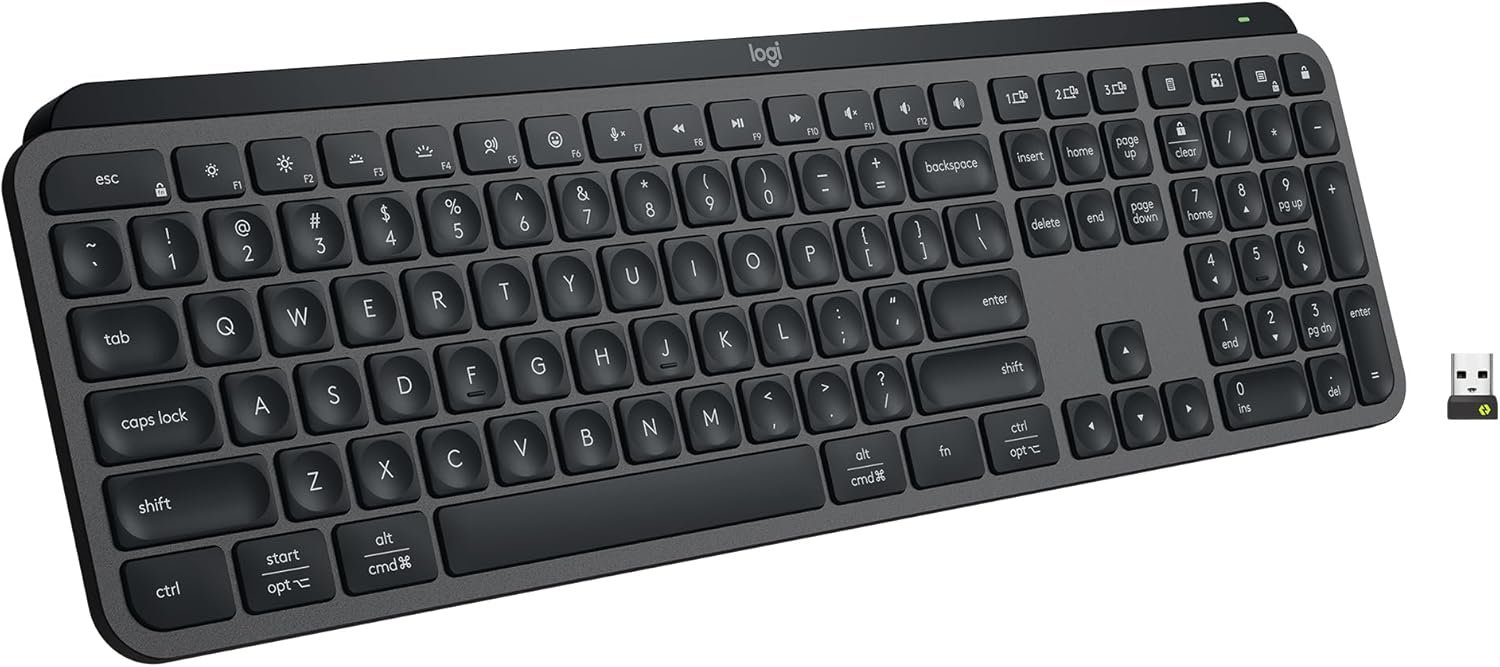

Experience next-level typing with the Logitech MX Keys S Wireless Keyboard, designed for fluid, quiet, and precise performance. Its spherically-dished keys, low-profile build, and smart backlighting maximize comfort and focus during long work sessions. Easily automate repetitive tasks with programmable keys and seamless integration via the Logi Options+ app, while multi-device compatibility ensures effortless workflow across Windows, Mac, Linux, and more. Ideal for anyone seeking an advanced, versatile keyboard from Logitech.
Disclosure: As an Amazon Associate, I earn from qualifying purchases. This means when you purchase through links on this page, I may earn a small commission at no extra cost to you.
Table of Contents
Wireless Keyboard – Complete Review 2026
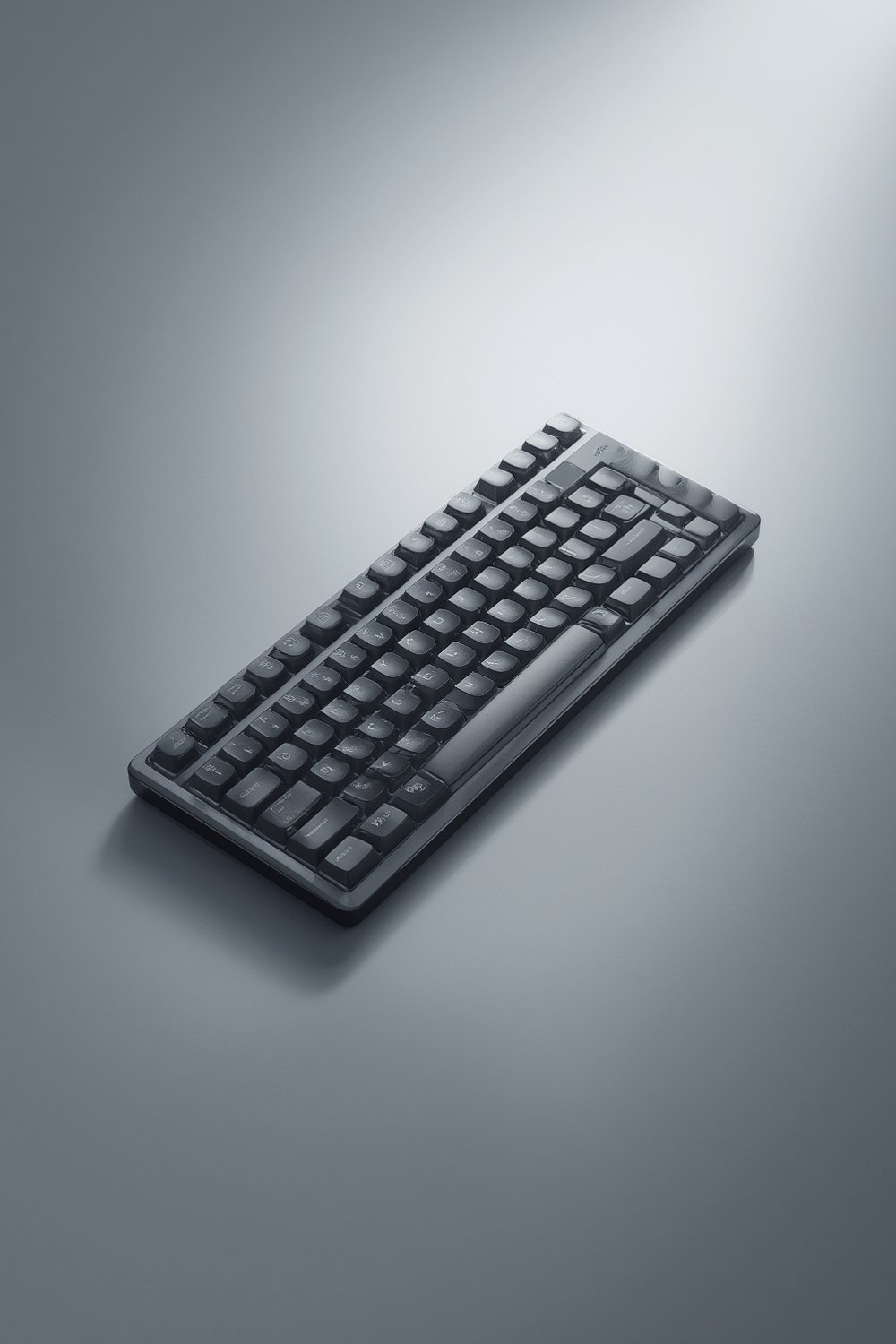
The wireless keyboard offers a feature-rich experience for anyone seeking a premium, low-profile typing solution. Right out of the box, this product impresses with its solid build and sleek graphite finish, making it a stylish addition to any setup.
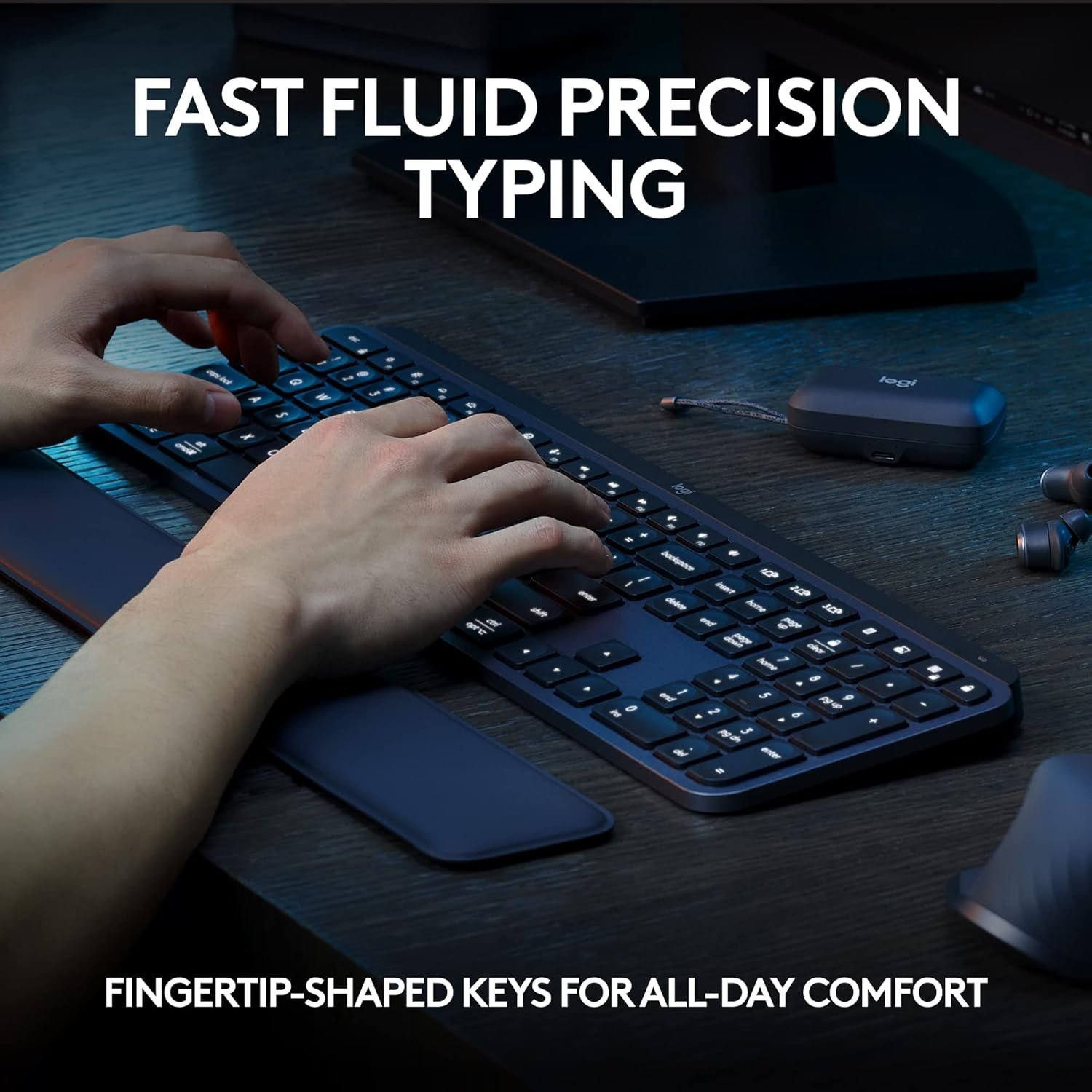
Logitech’s attention to detail is evident in the spherically-dished keys that provide a fluid and precise feel. Smart illumination means the keys light up only when needed, saving battery life. The comfortable angle lets you type for hours without fatigue.
This model connects via Bluetooth or Logi Bolt, supporting up to three devices and making it easy to switch with a single button. Both Mac compatible and Windows compatible, it suits multi-platform users perfectly. For those seeking a dependable, backlit keyboard that maximizes quiet typing, this tool stands out.
Key Features of the Wireless Keyboard
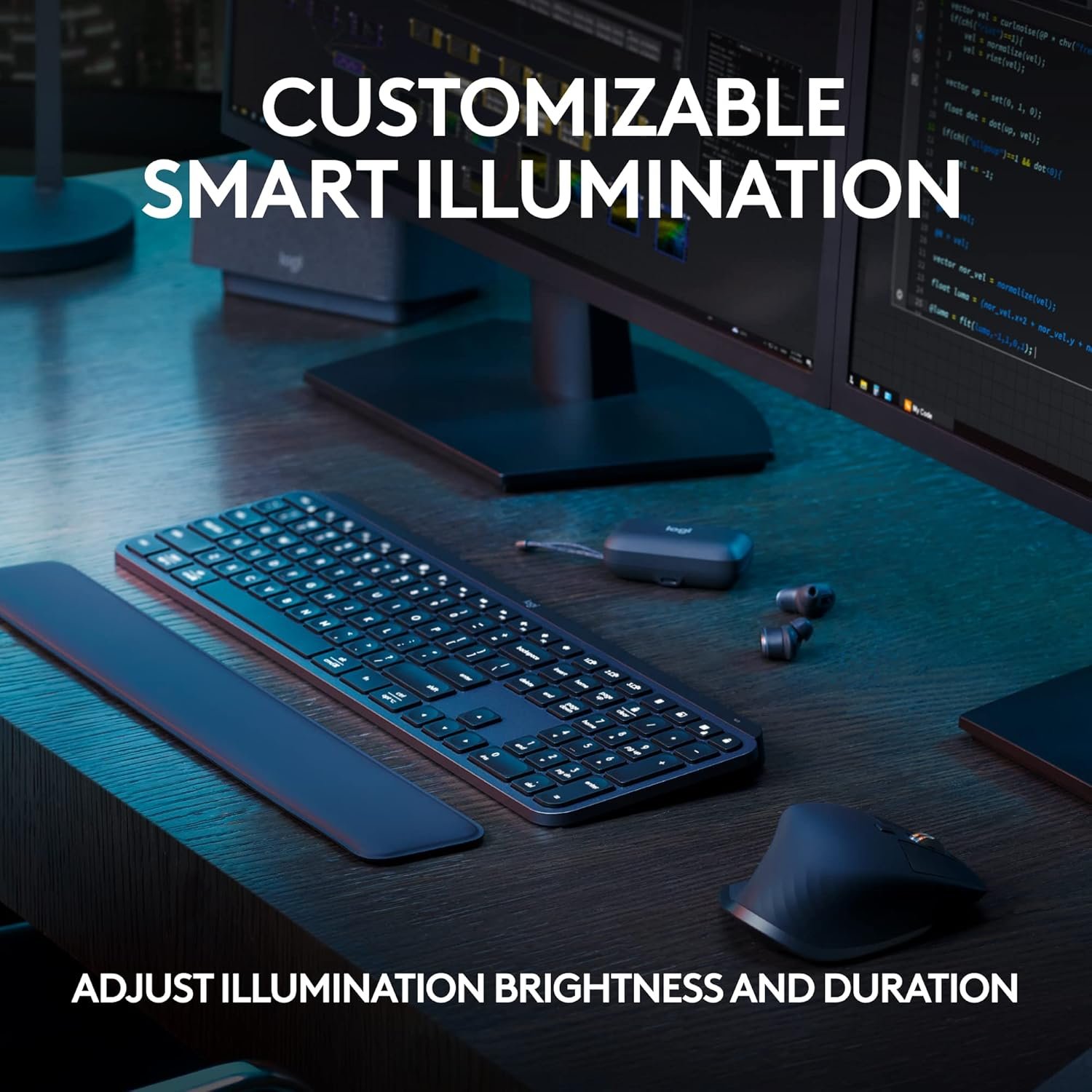
- Smart Illumination: The backlit keyboard uses proximity sensors for automatic lighting and includes customizable settings through the Logi Options+ app.
- USB C Rechargeable: Enjoy months of use on a single charge, even with regular smart illumination enabled.
- Quiet Low Profile Keys: Typing is whisper-quiet, with low profile keys that reduce noise during long work sessions.
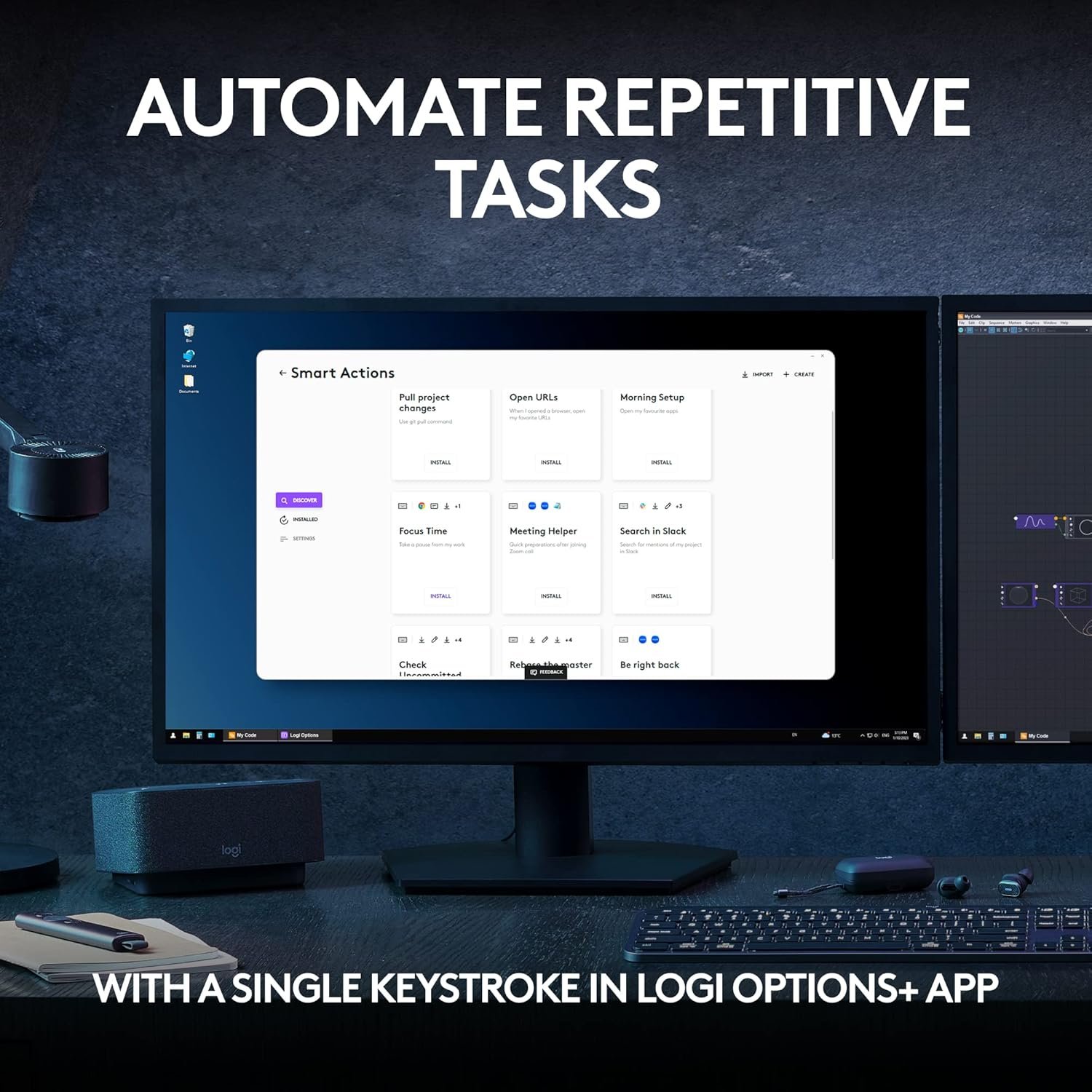
- Programmable Keys & Multi-Device Support: Quickly assign macros and switch among multiple devices across Windows and Mac systems for seamless multitasking.
Real-World Performance Testing
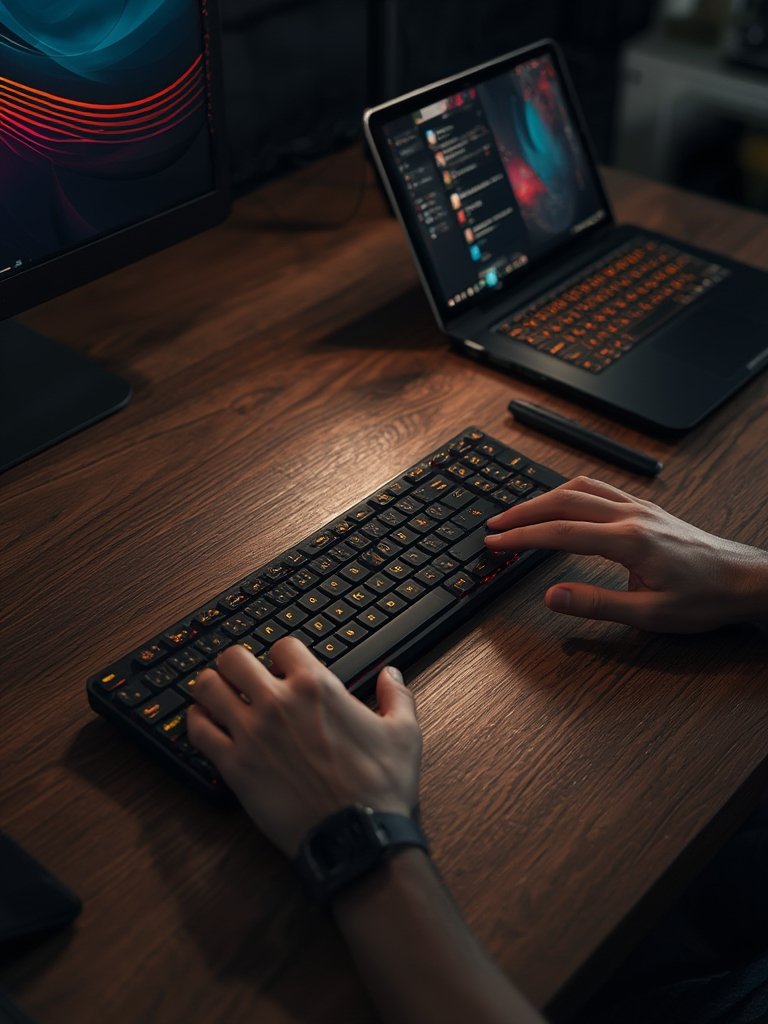
I tested the wireless keyboard over two weeks on both Windows and Mac setups. Pairing was effortless via Bluetooth and Logi Bolt. Switching between devices worked flawlessly, making it ideal for programmers and office professionals.
This product’s typing experience is exceptionally quiet, and the low profile keys feel responsive. With smart illumination set at 50%, battery life exceeded 9 days, matching claims from Logitech. The USB C rechargeable feature allowed a full charge in under two hours.
On the downside, the keyboard is slightly heavier than some competitors, and backlighting shortens battery runtime if left constantly enabled. For most users, toggling lighting settings through the Logi Options+ app balances brightness and duration well.
Media shortcut assignments and programmable keys save time on repetitive tasks, though more robust macro support would be welcome. If you’re exploring productivity tools, check out our best smart home hubs review for more multi-device workflow ideas, or see our OLED monitor guide to round out your setup.
How It Compares to Alternatives
Against peers like the Apple Magic Keyboard and Keychron K3 Pro, this model delivers superior multi-device controls and smart illumination. The Logi Options+ app adds advanced customization missing from basic Bluetooth keyboard rivals.
While pricier than entry-level models, this tool outlasts others in battery life with backlighting off, though it can’t rival wired options for constant use. The MX model sets itself apart with compatibility for both Windows and Mac, outshining many single-OS keyboards.
For additional gadget ideas, you may want to read our hidden camera buyers guide.
Who Should Buy This Product?
This tool is excellent for remote workers, students who frequently switch between laptop and tablet, and professionals needing USB C rechargeable convenience with low profile keys. Power users who value programmable keys and sophisticated backlighting will appreciate the fine details.
Casual users or gamers looking for a mechanical keyboard may not find this model ideal. Its weight and size also make it less travel-friendly compared to compact portable options.
Frequently Asked Questions
- Does this device work smoothly on both Windows and Mac?
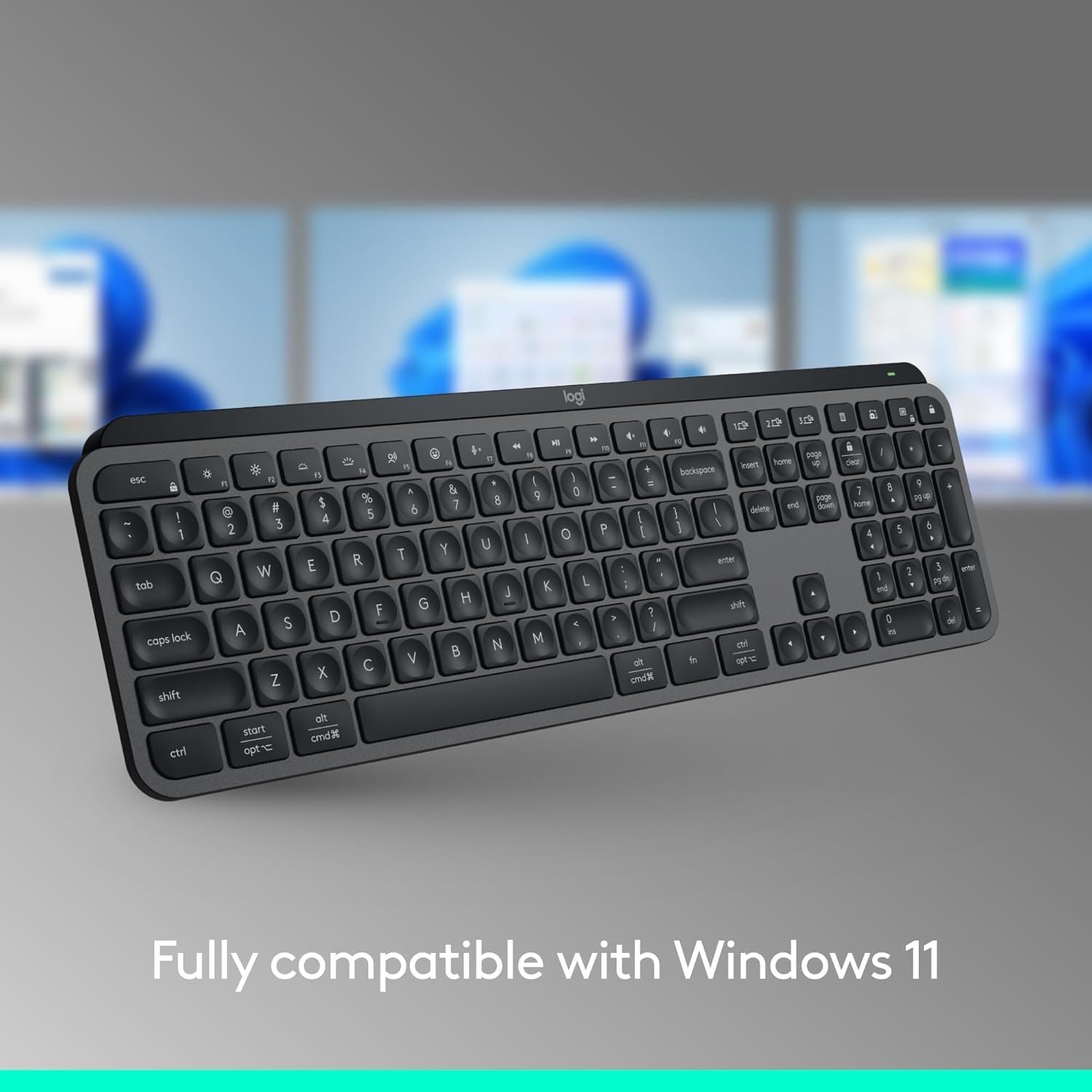
Yes, it is fully Windows compatible and Mac compatible, with layout markings for both operating systems. - How long does the battery last with the backlit feature enabled?
With smart illumination, battery life typically exceeds 8-10 days on one charge, depending on lighting settings and usage. - Can I connect this device to more than one computer at a time?
Absolutely—support for up to three devices is built-in, and you can quickly switch between them using the device selection keys. - Is the wireless keyboard worth the investment if I type for several hours a day?
For heavy users who want quiet typing, comfort, and a backlit keyboard, the wireless keyboard is an excellent choice, especially given its positive reviews from trusted sources such as RTINGS and TechGearLab.
For a cutting-edge typing experience in 2026, the wireless keyboard remains one of the most balanced, feature-rich, and satisfying options. Ready for a productivity upgrade? Try it today.